 TLCode
How usage allowances work: weekly and 12-hour limits
Every TLCode plan has two allowances at once. Here is what each one does, how they reset, and how to avoid running into them.
Two limits, two jobs
The weekly allowance is the total you can use over a 7-day period that starts when your plan is activated. The 12-hour allowance caps how much of that you can use in any 12-hour window. Together they keep one marathon session from consuming a whole week in an afternoon, and they keep the service responsive for everyone.
What happens when one runs out
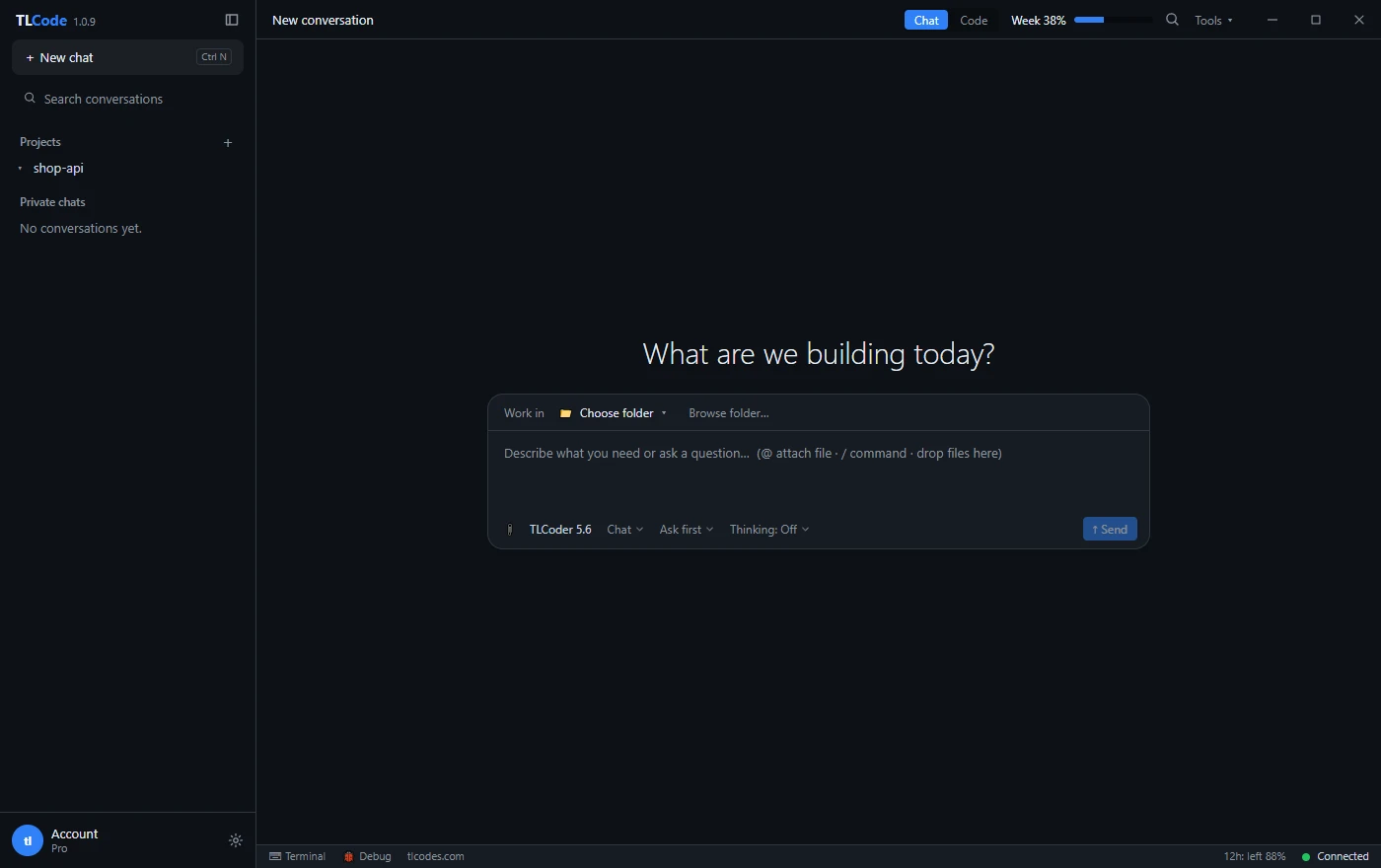
You wait for it to refresh. Unused allowance does not roll over to the next period, so a quiet week does not make the next week bigger. Your usage is shown as a percentage in the app and on your account page, so you can see how much is left before you start a large job.
How plans differ
Higher plans have larger allowances, expressed as a multiple of Basic: Pro is 3.6 times Basic, Max is 9 times and Ultra is 18 times. Higher plans also get priority when servers are busy, and they allow more devices: 1 for Basic, 2 for Pro, 3 for Max and 5 for Ultra. Current prices are on the pricing page.
Ways to get more from your allowance
- Plan before you build. A reviewed plan avoids expensive rewrites of work you did not want.
- Use Chat for questions, Agent for work. Quick questions in Chat do not need the full agent loop.
- Give the agent focused tasks. One clear job per request costs less than a vague one that the agent has to explore.
- Start new conversations for new topics. A long history is sent along with each request.
- Match the plan to your use. If you regularly hit the 12-hour limit, a higher plan is cheaper than waiting.
Renewing
Plans last 30 days and never renew on their own. Renewing the same plan before it ends adds the new 30 days on top of the time you have left.