 TLCode
Download TLCode for Windows
The installer is about 112 MB. Run it, sign in with your tlcodes.com account, and your plan activates automatically.
Download installer (.exe)
- Windows 10 / 11
- 64-bit
- Internet connection required
Install in three steps
- Run the installer. Open the downloaded file and follow the prompts. It takes under a minute.
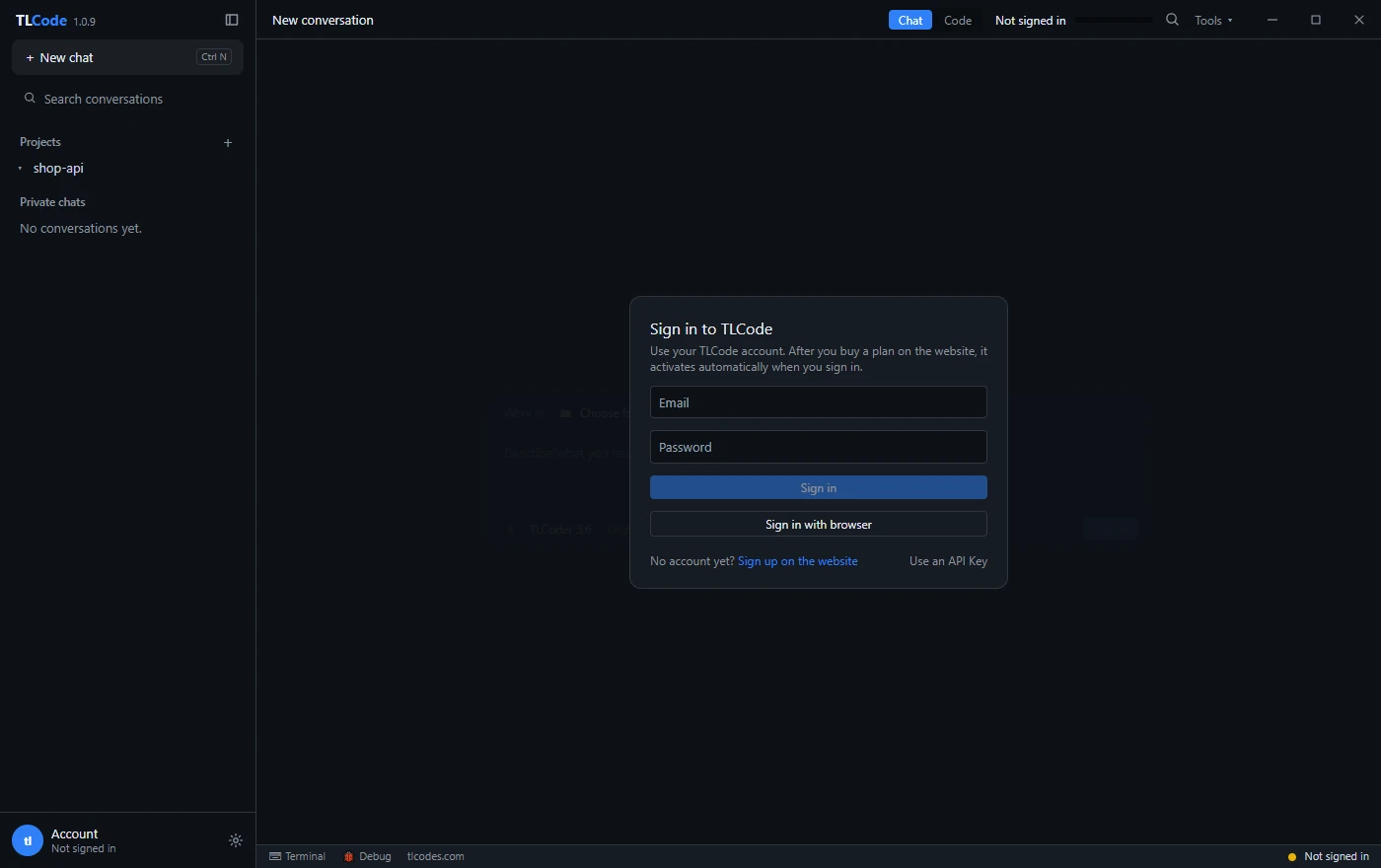
- Sign in. Open TLCode and sign in with your account email and password, or choose “Sign in with browser” (best for accounts created with Google). No API key is needed.
- Open a project. Pick a folder, choose Chat, Agent or Plan, and describe what you want.
Good to know
- No plan yet? Sign in first, then buy a plan on the pricing page. The app picks the plan up automatically after you pay.
- Windows SmartScreen. Because the installer is new, Windows may show a SmartScreen warning. Choose “More info”, then “Run anyway”.
- Updates. TLCode updates itself in the background. If an update fails to start it rolls back automatically.
- Upgrading a custom install. Choose the existing install folder in setup. Your projects, chats and sign-in are kept.
- Other systems. There is no macOS or Linux build today.
New here? Read what TLCode does or the FAQ before you install.